 GET PROFIT CLARITYAI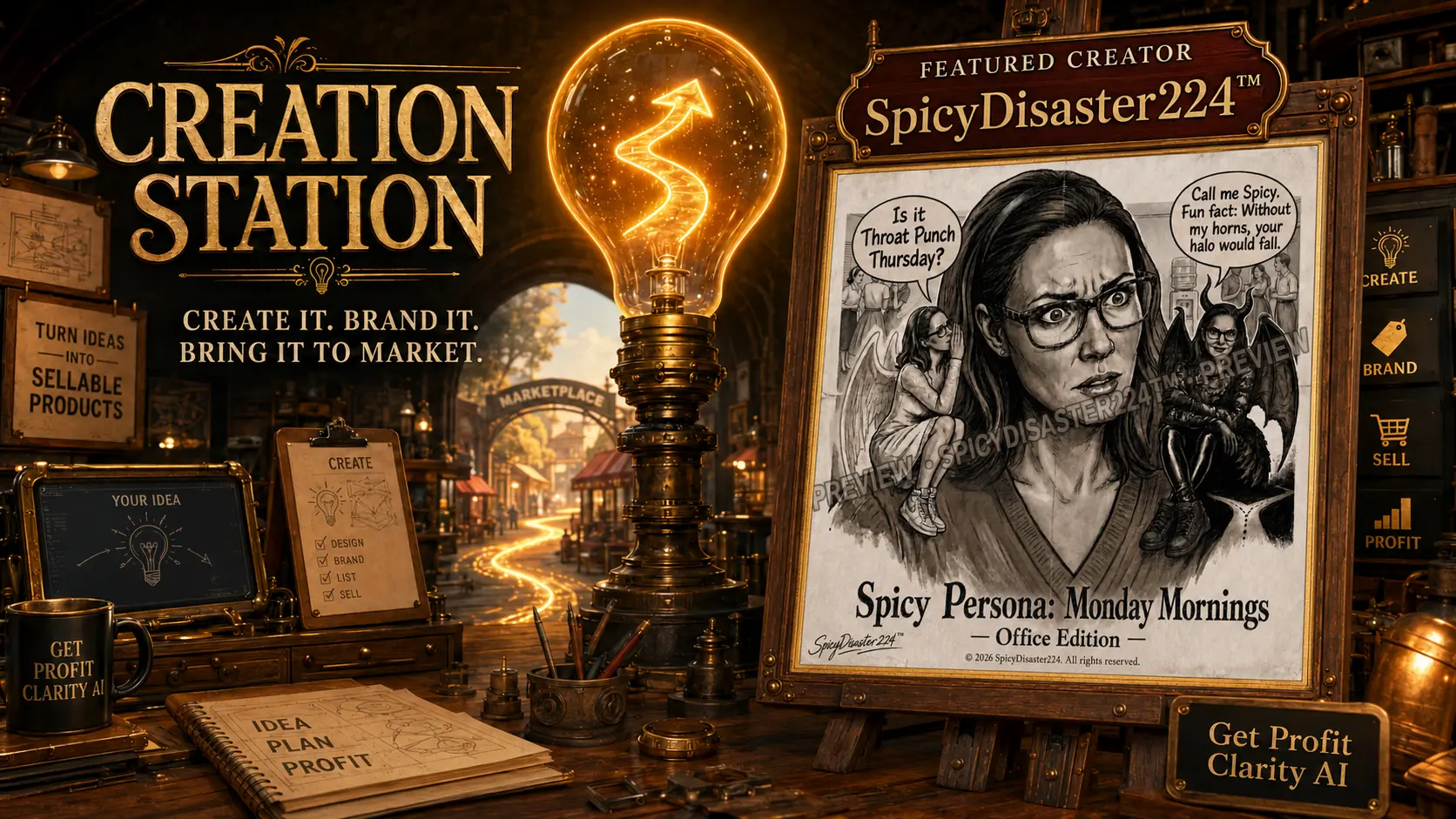
Bring your idea to light.
Choose a path, describe what you are building, and create a clear starting plan in the working tools below.
Checking the secure AI connection…
Begin in the Vision Lab.
Capture the idea, identify what you want to create, and bring that clarity into the guided Creation Station tools.
Choose your creation pathway.
Start with the path that matches your current goal. You can change it before generating.
Tell us what you are building.
Helpful examples are inside every field. Share only what is useful for the project—never passwords, financial numbers, or sensitive personal information.
Your plan will appear here.
No demo result is displayed. A real response appears only after the secure AI service is connected and completes your request.
Complete the form above after the administrator connects the secure AI service.
Keep the path beside your project.
Use the beginner-friendly guide to move from idea capture through creation, feedback, and opportunity.
AI-generated content is provided as a creative and educational starting point. Users are responsible for reviewing facts, rights, originality, licensing requirements, and business decisions. Get Profit Clarity AI does not guarantee income, sales, or business success.
Read the AI Disclaimer →